Basic Recording Tips
When you're ready to start recording, the most important thing to learn is how to set your recording levels correctly. This means making sure the signal coming into your computer is strong enough to be heard clearly, but not so loud that it distorts or clips. Most audio software shows you a meter that displays the input level. Aim to keep your levels in the green or yellow range, and avoid letting them hit the red zone. If you see red, your recording will sound distorted and you'll need to start over. It's better to record at a slightly lower level than to risk clipping. Always wear headphones while recording so you can hear exactly what's being captured. This helps you catch problems early, like background noise or unwanted sounds, before you finish your take.
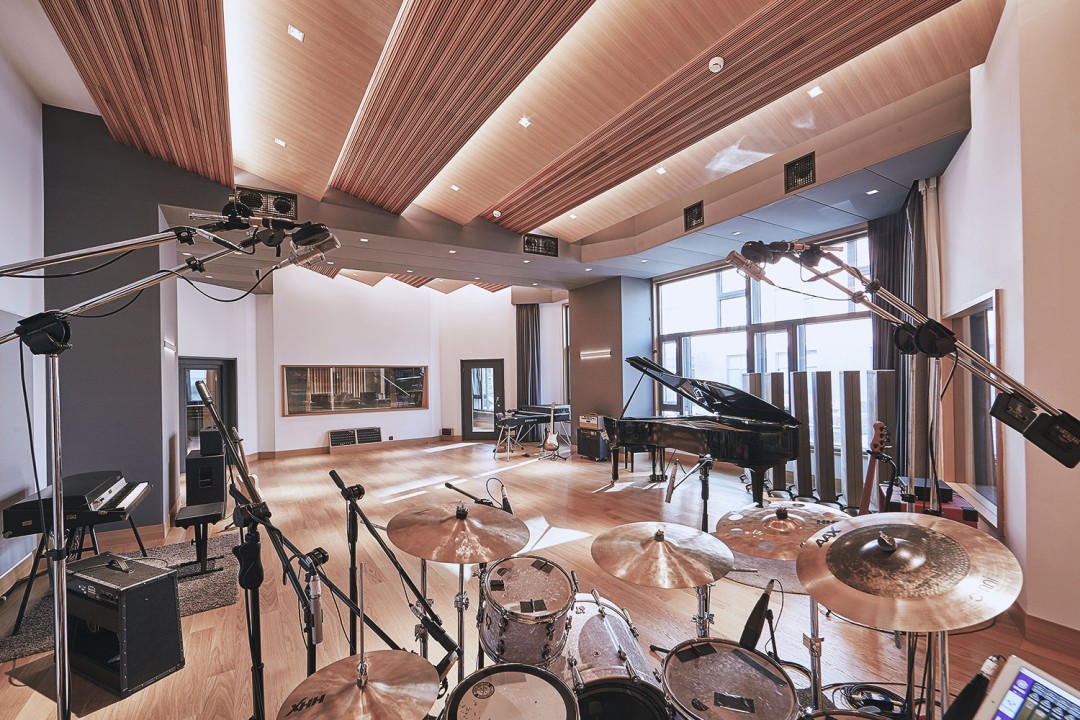
Microphone placement is another key skill for beginners to master. For vocals, position the microphone about six to eight inches away from your mouth, slightly above or below to avoid breathing sounds. For acoustic instruments like guitars, experiment with placing the microphone at different distances and angles until you find a sound you like. A good starting point is about one to two feet away from the instrument. Remember that small changes in microphone position can make a big difference in how your recording sounds. Don't be afraid to try different setups and listen back to see what works best. Keep things simple at first, and focus on getting clean recordings with good levels. You can always improve your technique as you gain more experience, but starting with these basic principles will give you solid results right away.
Here are some examples of recorded audio tracks in studio:
Example 1 - Basic composition:
Example 2 - Mixdown sample:
Example 3 - Production demo:
Example 4 - Demo track: